Stop chasing peoplefor documents.
Make a list of the documents you need and send one link. Every file comes directly to your email, properly named.
Free to start · No card needed · 5 free lists every month
See the upload pageneeded
to use
any phone
- Files come to you Directly in your email, properly named
- File size Big files are made smaller automatically
- Tracking See what has arrived and what is still missing
- Their language Opens in Hindi, Tamil, Bengali and seven more
Made for CAs & accountants ·Loan agents ·Cyber cafés ·Coaching centres
Why Fylevia Collect
Ask for all documents with one link.
People send files on WhatsApp, email, or a drive. You keep asking. With Fylevia, one link brings everything back.
Files everywhere, wrong names, and still waiting after days.
What comes back today
Send one link. Get every document back, with the right name and size.
The link you send
How it works
Create the list once. Fylevia handles the rest.
- 1 Choose the documents
Write one document per line, or pick a ready-made list.
- 2 Send one link
On WhatsApp, email, or anywhere. It opens on their phone.
- 3 They upload the files
They choose the photo or file. Their phone fixes the size and name before sending.
- 4 Files come to your email
Each file arrives the moment it is sent, with the right name.
Make your link — free Free to start · No card needed
You ask once. Every file comes back named, sized and ready to use.
We prepare every file for you
Files are compressed, resized and renamed automatically, so you get clean and ready-to-use files.
Works for all file typesPhotos, PDFs, scans and more
-
1 CompressBig files are made smaller
12.4 MB IMG_20260823_100312.jpg 90% smaller 1.2 MB IMG_20260823_100312.jpgSame quality, smaller size. Saves space in your inbox.
-
2 ResizeLarge images are resized
4032 × 3024 Perfect size 1920 × 1440Adjusted to the right size for easy viewing and sharing.
-
3 RenameFiles get clear, correct names
IMG_20260823_100312.jpg Confusing name Loan file – Aadhaar card.pdf Easy to findNamed after the person and the document they were asked for.
You just get clean, organised files. No extra work. No messy filenames. Just open and use.
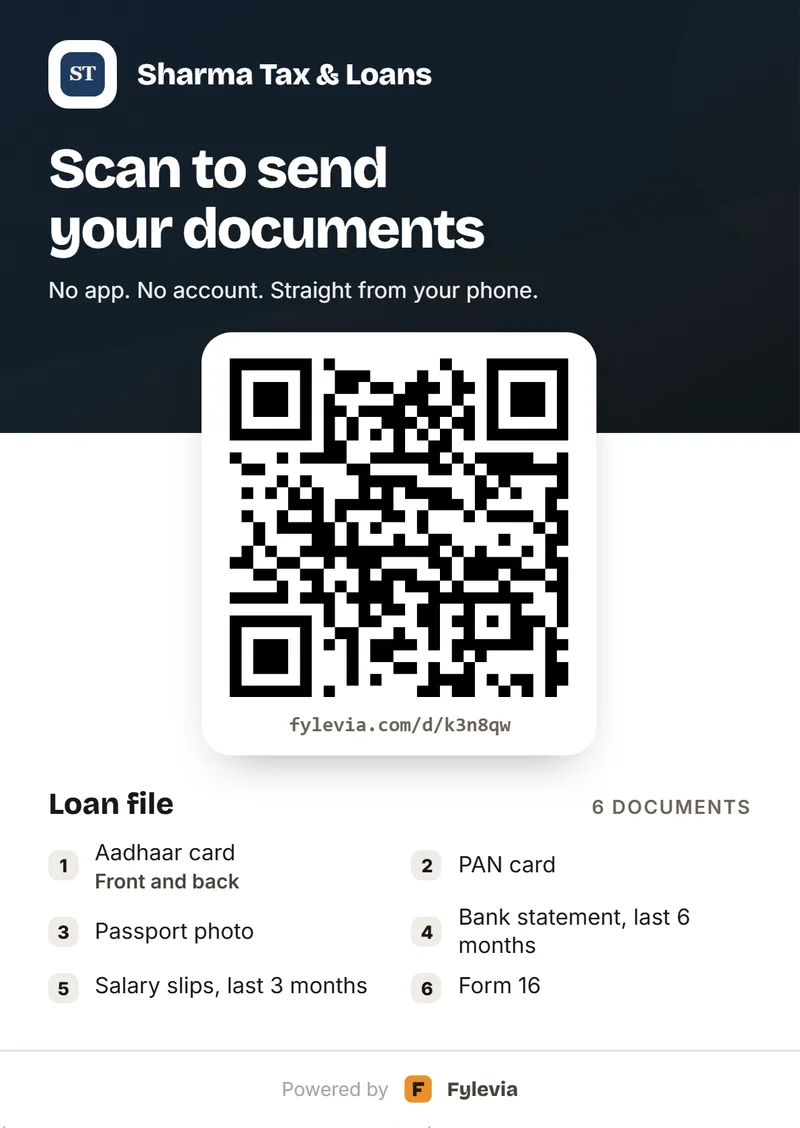
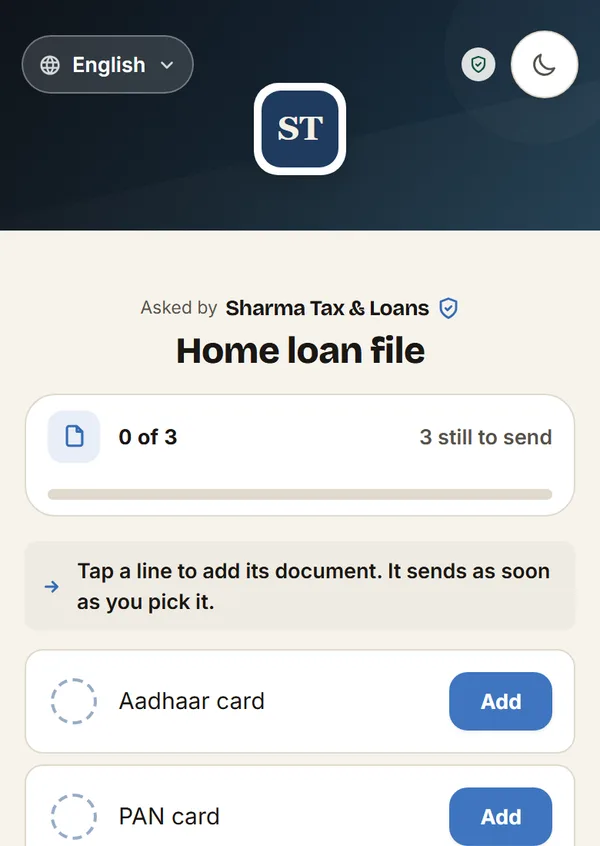
Your branding
Your logo, your colour — on the page and on the poster.
Add your logo and cover picture once. Your customer sees them on the page they open and on your counter poster.
- Your logo On the page and on the poster — in place of ours.
- Your cover picture The band across the top of the page, and behind the poster’s heading.
- Your business name “Asked by Sharma Tax & Loans”, with the verified tick. Big on the poster.
- Your colour Taken from your logo. Every button on the page follows it.
Plus Set once on your account. Free lists and posters carry the Fylevia mark.
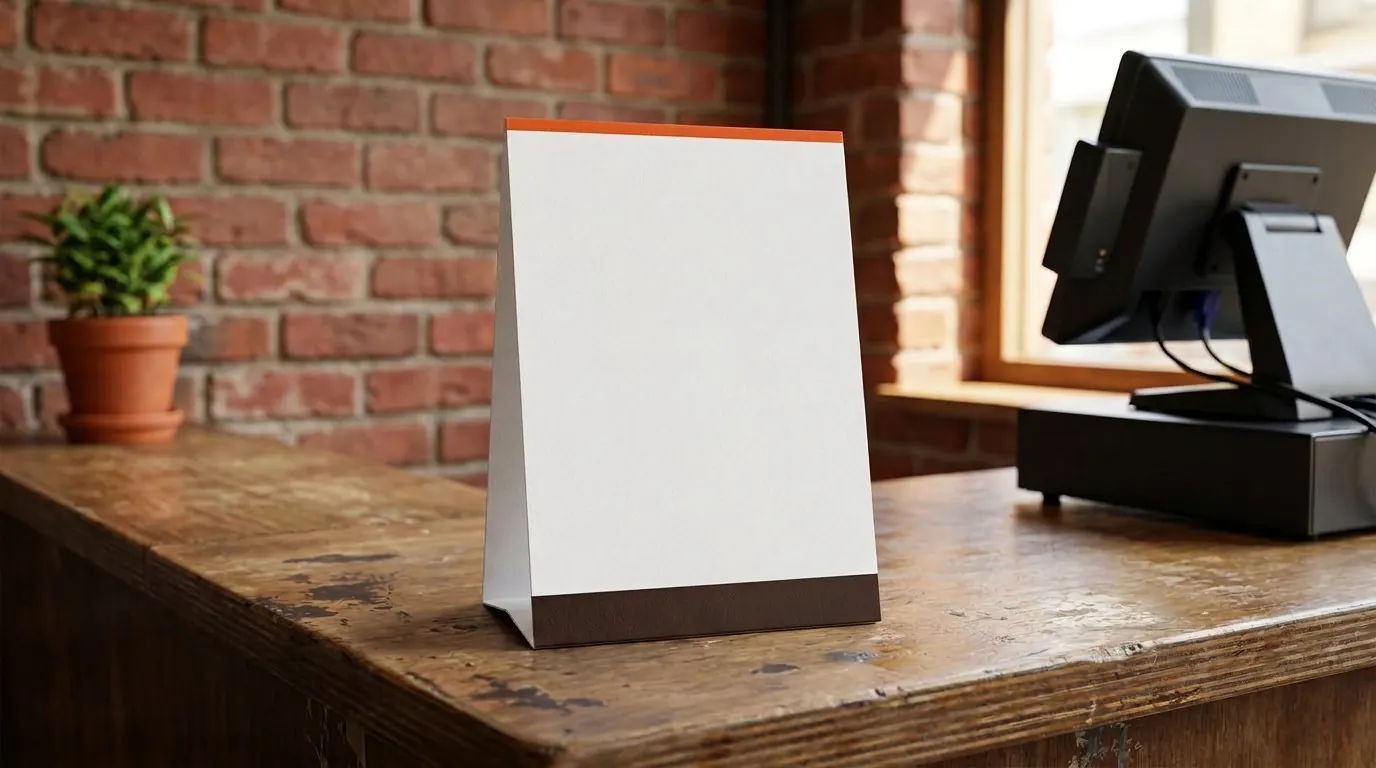
At your counter · with a QR code
Collect documents at your counter with one QR code.
Keep one QR poster at your counter. Customers scan it, type their name, and upload from their phone.
How QR collection worksPricing
Simple pricing.
Free to start. Pay only if you want the QR poster for your counter. One payment, no monthly charge, no card saved.
Free
₹0 always
- 5 document lists a month
- Send a link to one person at a time
- Set rules for each document
- Save a list and send it again
A week
₹99 for 7 days
- Everything in Free
- QR poster for your counter
- Unlimited lists
- A copy of every file to a second email
A month
₹299 for 30 days
- Everything in the week plan
- Lists stay for 90 days instead of 30
- An email reminder when a list is late
- About ₹10 a day
Your files are not stored on Fylevia — each one goes from their phone straight to your email. Your list is deleted after 30 days.
Nine questions
Questions
Common questions before you make your first list.
Who needs an account?
Only you, so the files can reach an email that belongs to you. The person sending needs nothing. They open the link, choose a file, and send. No account, no app, no sign-in.
What is free, and what is Plus?
Free: make a list and send a link to one person, 5 lists a month. Plus adds a QR poster for your counter, so many people can scan it and each gets their own list. Plus lists also stay for 90 days instead of 30, can send a copy of every file to a second email, and Fylevia emails you when a list is late. Prices are on the pricing page.
How do I collect documents from clients without chasing them on WhatsApp?
Make the list once and send one link. They open it and upload each file. Every file comes to your email with the right name. Your page shows what is still missing, so there is nothing to chase.
Where do the files go?
Straight to your email, one file per email, the moment it is sent. Each file is named after the person and the document. So IMG_9831.jpg arrives as “Kiran’s loan file - Aadhaar card.pdf”.
Do you store the files?
No. A file goes from their phone into one email to you, and Fylevia keeps no copy. Nobody at Fylevia can open it. We keep only the list, the ticks, and your email address, for 30 days. Then those are deleted too.
Do you read the Aadhaar number?
No. The number is read only on the sender’s own phone, to show them the last 4 digits so they can check they picked the right card. It never reaches our server and is never stored.
How big can a file be?
15 MB, because that is what email can carry. A big photo is made smaller on the sender’s phone first, so a 12 MB photo becomes about 1 MB. A PDF is sent as it is. A PDF over 15 MB is not accepted, and the sender is shown Compress PDF and Split PDF to make it smaller.
How long does a list last?
30 days, or 90 days on Plus. The time is fixed when the list is made, so it never gets shorter if your plan ends. After that, the list, the ticks, and your email address are deleted, and the link stops working.
Can one link be used by many people?
Not the normal link. It is for one person, and once they are done there is nothing left to upload. For many people, use the QR poster. It gives you a different link. Everyone who scans it types their name and gets their own list, and you see each person by name. Turn the poster off, and it stops working.
Send one link. Get all the documents.
Your first list takes less than a minute. No card needed. Free to start.